by Dream Tools
Detailed Review
Key Features
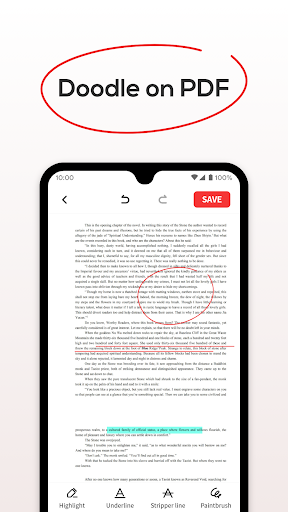
- •PDF viewing with text highlighting and underlining tools for document annotation and study purposes
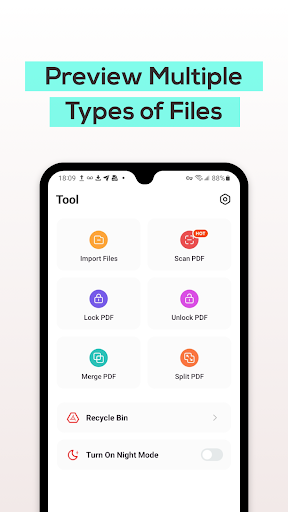
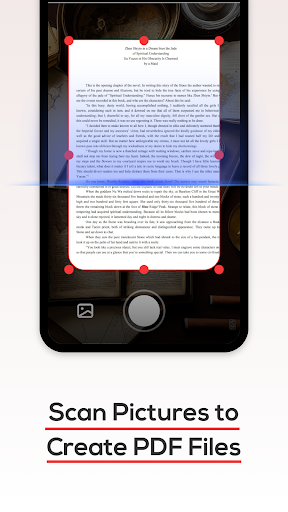
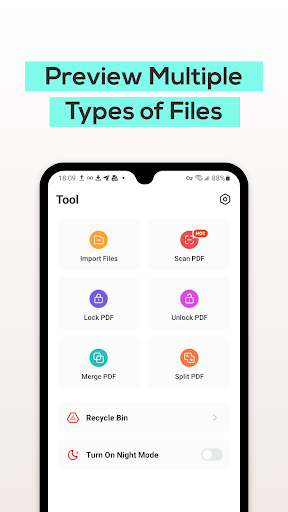
- •Integrated document scanner converting physical documents to PDF format for mobile digitization needs
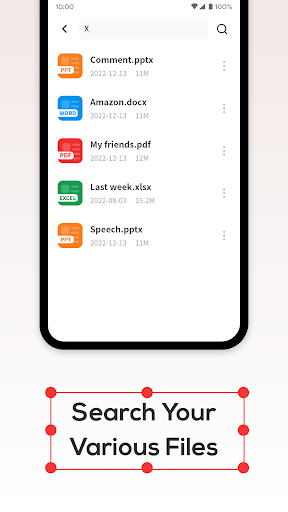
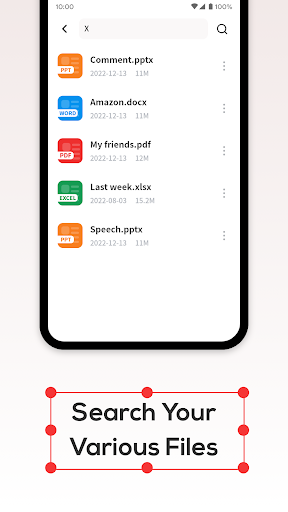
- •Rapid search functionality locating PDF files without significant loading delays or performance issues
- •Recycle bin system providing temporary storage for deleted files before permanent removal
- •Support for Word, PPT and Excel file viewing extending beyond basic PDF functionality
Why Users Love It
Perfect for: Students and professionals needing mobile PDF access
Screenshots
Ranking History
Track PDF File Reader's performance in Productivity over the last 30 days
Current Rank
#49
11 from last week
Best Rank
#22
All-time high
Average Rank
#32
30-day average
Questions & Answers
What's the best Android app for viewing PDFs and quickly scanning documents into PDF format?
PDF File Reader is positioned as a dual-purpose tool for users who need both a reliable document viewer and a basic scanning utility. The app's primar...
Ad — Extra Q&As are paid placements. Editorial standards apply; rankings unchanged.Learn more
What's a good Android app for easily scanning documents and converting them to PDF files on my phone?
PDF File Reader is a great Android app for scanning documents and converting them into PDF format with ease. The app provides a scanner feature that a...
User Reviews
This application is super amazing, accessing my documents and reading them were really with ease. It has again a good scanner that eventually scans and converts documents to PDF easily. I'm glad with this new app.
This application is super amazing, accessing my documents and reading them were really with ease. It has again a good scanner that eventually scans and converts documents to PDF easily. I'm glad with this new app.
This application is super amazing, accessing my documents and reading them were really with ease. It has again a good scanner that eventually scans and converts documents to PDF easily. I'm glad with this new app.
This application is super amazing, accessing my documents and reading them were really with ease. It has again a good scanner that eventually scans and converts documents to PDF easily. I'm glad with this new app.
i like these apps they will give you the exact line of the scan page. but a lot of advertising waits to watch until you got what you need. Good luck and thank you 🙏
App Details
Developer
Dream Tools
Platform
androidRating
Last Updated
12/25/2025





