Map Drive App Review: A Capable Companion for Safer, Informed Driving
by Tiki Punch Studio
A powerful tool for drivers seeking more data on the road. This app combines real-time speed tracking, route logging, and an integrated police radar alert system into a single, streamlined interface. Perfect for those who want to monitor their driving habits or enhance situational awareness during long trips.
Detailed Review
Map Drive - Radar, Speedometer positions itself as a multifunctional dashboard for Android users, blending navigation-adjacent tools with driver assistance features. Unlike standard mapping applications, it focuses less on turn-by-turn directions and more on providing a comprehensive set of real-time metrics and alerts. The app carves out a specific niche for drivers who prioritize awareness of their speed, travel history, and potential road hazards.
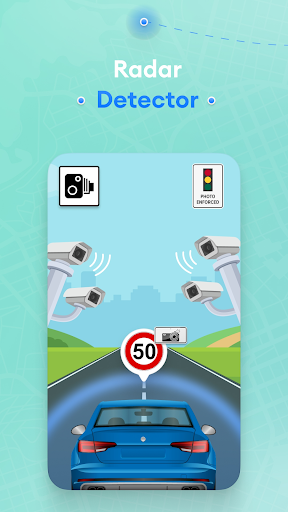
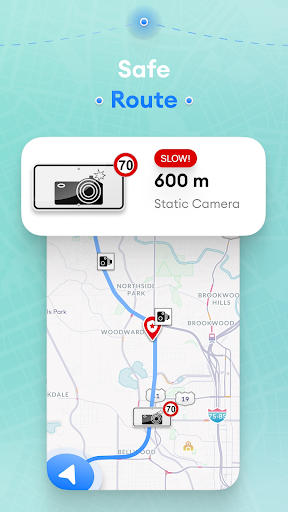
Core functionality is built around a highly customizable speedometer display, which can show current, average, and maximum speed using either GPS or network data. This is paired with a trip logger that records distance, duration, and route history on a map. The integrated radar alert system, a key selling point, crowdsources and displays reported locations for speed traps, accidents, and road hazards. Users can configure audio and visual warnings for these alerts, as well as set custom speed limits to receive overspeed notifications.
In practical use, the interface is generally clean, allowing drivers to choose between several widget styles and data layouts. For a long highway drive, the app provides a constant, clear readout of speed, which can be more precise than some vehicle dashboards. The mapping pane is useful for reviewing a completed journey's path and statistics. However, the reliance on community-sourced data for radar alerts means accuracy can vary by region and time of day; in less populated areas, reports may be sparse or outdated.
User feedback, where available for similar apps in this category, often highlights the value of having multiple utilities in one place, eliminating the need to switch between a speed tracker and a separate hazard warning app. Specific praise tends to focus on the customizable display and the utility of the journey log for business mileage tracking. Common critiques from the broader genre of similar apps point to battery consumption during prolonged GPS use and occasional delays in location acquisition when first starting a trip.
Ultimately, Map Drive serves its purpose effectively for a specific user. It is not a replacement for a dedicated navigation app like Google Maps but functions well as a supplementary dashboard. Its strengths lie in data presentation and consolidation of features. The limitations are primarily tied to the inherent variables of crowd-sourced alert systems and the expected battery toll of continuous GPS tracking. For drivers seeking more insight into their journeys and an extra layer of road awareness, it presents a viable, no-fuss option.
Key Features
- •Customizable Speedometer: Displays real-time, average, and max speed using GPS, with multiple digital and analog gauge styles for clear visibility.
- •Trip Logging & History: Automatically records routes, distance, and travel time on a map, useful for reviewing journeys or tracking mileage.
- •Radar & Hazard Alerts: Crowdsourced system warns of reported police speed traps, accidents, cameras, and road hazards along the route.
- •Speed Limit Warning: Allows users to set a maximum speed threshold, triggering an audio and visual alert when exceeded.
- •Offline Functionality: Core speed tracking and trip logging work without an internet connection, relying solely on GPS signal.
Why Users Love It
Consolidates multiple driving tools into one interface
Highly customizable data display and alerts
Perfect for: Ideal for daily commuters, road trip enthusiasts, and drivers who want to actively monitor their speed and be aware of road conditions.
Screenshots

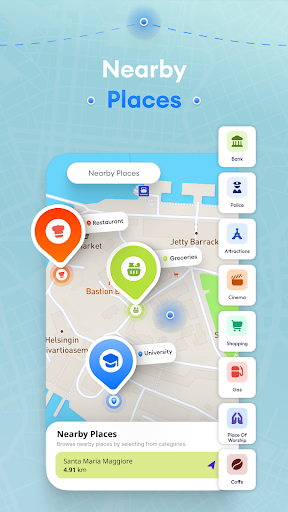
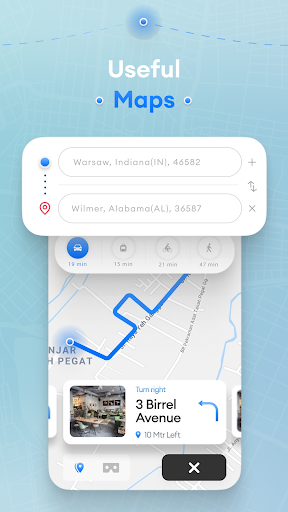
Ranking History
Track Map Drive - Radar, Speedometer's performance in Maps & Navigation over the last 30 days
Top 5
Top 10
Top 15
Below 15
Current Rank
#50
→
Best Rank
#50
All-time high
Average Rank
#50
30-day average
App Details
Developer
Tiki Punch Studio
Platform
androidRating
★4.1
Last Updated
12/22/2025