by EZTech Apps
Detailed Review
Key Features
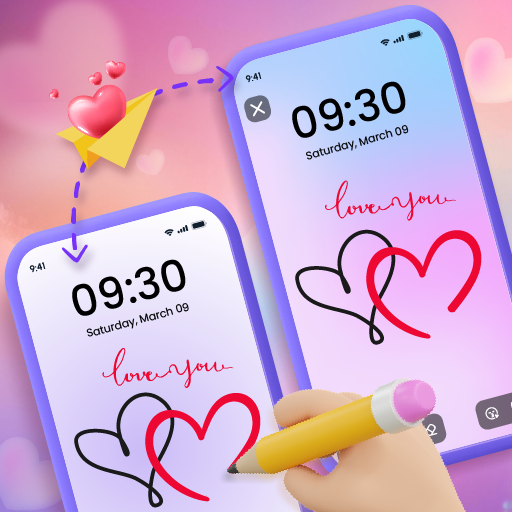
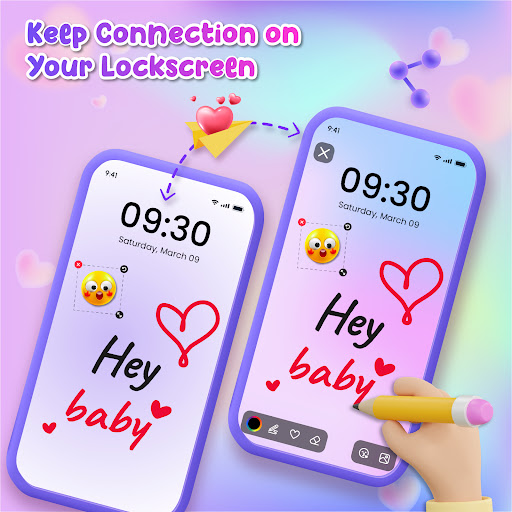
- •Lockscreen Drawing Canvas: Enables direct sketching on the Android lockscreen with adjustable brushes and colors for instant personalization.
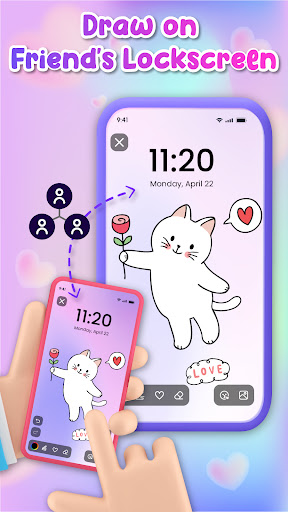
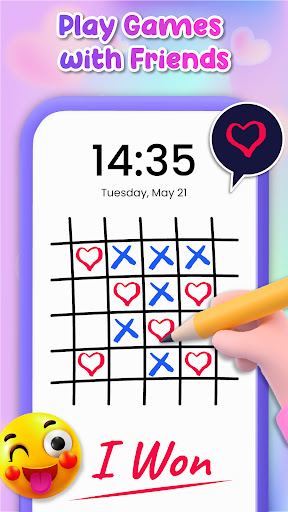
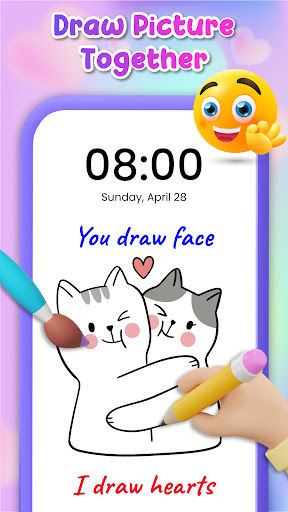
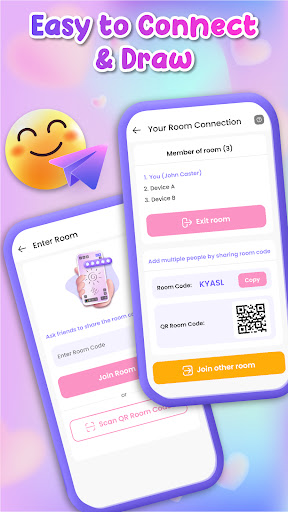
- •Private Drawing Sessions: Allows secure, shared drawing spaces with friends or family to collaborate on art or exchange messages.
- •Widget Integration: Provides lockscreen widgets for quick access to drawing tools without unlocking the device for convenience.
- •Erase and Redo Functions: Includes an eraser and undo options to easily correct mistakes during the drawing process.
- •Variety of Drawing Tools: Offers multiple brush sizes, color palettes, and styles to support diverse creative expressions.
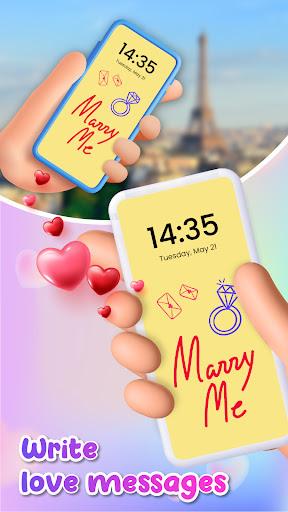
- •Save and Share Creations: Permits users to save drawings as lockscreen backgrounds or share them with contacts for social interaction.
Why Users Love It
Perfect for: Ideal for families, friends, and creative individuals seeking interactive lockscreen customization.
Screenshots
User Reviews
You should download this app you can create your lockscreen by ur imagination this app is fun to draw and cute lockscreens to horror so you should probably download this app thanks 😃
good for little kids my sister was so quiet in the living room and I noticed she was doing lock screen drawing so I downloaded it to see how good it was now I just love it I can't stop drawing and drawing and sending my sister messages by drawing.
Fun little Gadget, cute for connecting with my daughter. The options seem to be running out already, though. 🤔 We've only been playing it for a couple days. Would be nice to see Zoom and Text features.
this game is really fun I love coloring especially with people it's extra fun when I don't know who the people are for some reason I just like playing with different people more than I like playing with the same player all of the time the infinite different things you can color it is so fun 😊🖍️📑✏️📝✍🏼 I love this game so much 😀 it helps me learn how to color I get better and better at drawing because of this game 😁 I love coloring so much plus I can easily erase all my mistakes
it's like a good app it's I don't even have anything to say it's like the perfect like the world's most perfect app so most of you most of you people use it you should use it because if you have like a boyfriend or a girlfriend or Mom or Dad your family you would love this app I think you should use this this is a very good app I did it by myself one time and someone replied around the world so bye
App Details
Developer
EZTech Apps
Platform
androidRating
Last Updated
11/17/2025


