CPU Monitor - Temperature: Comprehensive Android Performance Analysis Tool
by Lite Tools Games
CPU Monitor provides real-time tracking of CPU usage, frequency, and temperature metrics for Android devices. The app helps identify overheating causes and offers cooling solutions for performance-conscious users.
Detailed Review
CPU Monitor - Temperature by Lite Tools Games positions itself as a comprehensive system monitoring solution for Android devices. The application delivers real-time performance metrics tracking alongside diagnostic capabilities for thermal management, targeting users seeking deeper insight into their device's operational status.
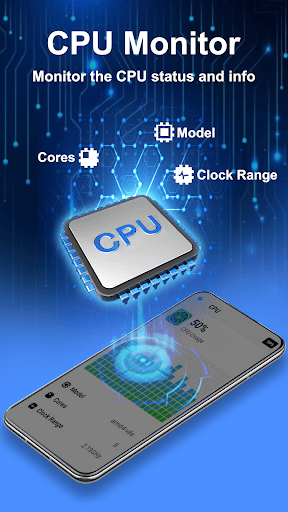
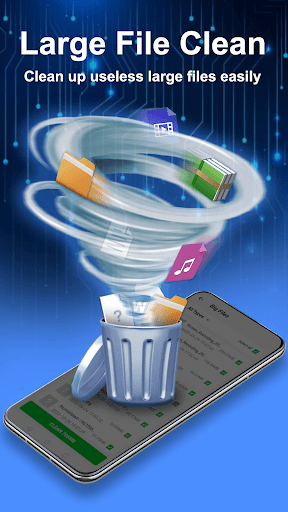
The core functionality centers around detailed CPU monitoring, providing real-time usage percentages and frequency measurements across all processor cores. The application maintains historical data analysis, enabling users to identify patterns in processor load and thermal behavior. Additional features include battery temperature monitoring (presented as approximate device temperature) and a junk cleaner module that complements the performance optimization toolkit. The app generates actionable cooling recommendations based on current system status and usage patterns.
User interface design employs a clean, information-dense layout with real-time graphs and numerical readouts. The dashboard prioritizes immediate visibility of critical metrics while maintaining accessibility through intuitive navigation. Real-world usage typically involves monitoring during intensive tasks like gaming or multitasking, where users can observe thermal thresholds and performance scaling in response to application demands.
No specific user reviews are available for detailed analysis at this time. The application maintains a 4.56 rating on the Google Play Store, suggesting generally positive reception, though the absence of review data prevents deeper insight into common user experiences or recurring issues.
The application demonstrates strength in providing detailed, real-time system metrics without requiring root access, making advanced monitoring accessible to general users. Limitations include the approximate nature of temperature readings (as acknowledged in the description) and potential battery impact from continuous monitoring. Ideal for users experiencing thermal issues or seeking to optimize device performance through better understanding of resource utilization patterns.
Key Features
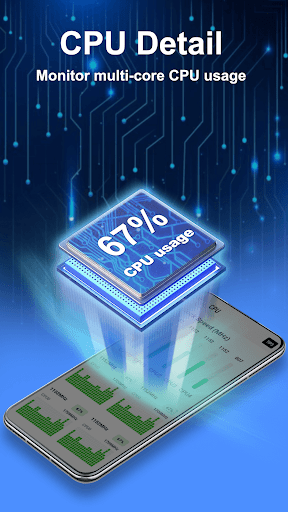
- •Real-time CPU usage monitoring tracks percentage utilization across all cores with frequency data, enabling precise performance analysis during application usage
- •Thermal diagnostics identify overheating causes through temperature correlation with CPU load patterns, helping prevent performance throttling
- •Historical data analysis maintains usage and temperature trends over time, allowing identification of recurring thermal or performance issues
- •Multi-core monitoring displays individual clock speeds and utilization for each processor core, providing granular system performance insight
- •Cooling recommendations generate actionable tips based on current system status, offering practical solutions for thermal management
- •Battery temperature monitoring provides approximate device temperature readings, serving as proxy for overall system thermal status
Why Users Love It
Comprehensive real-time metrics
Non-root access to system data
Perfect for: Android users concerned with device performance and thermal management
Screenshots



App Details
Developer
Lite Tools Games
Platform
androidRating
★4.6
Last Updated
9/10/2025





