by Canon Inc.
Detailed Review
Key Features
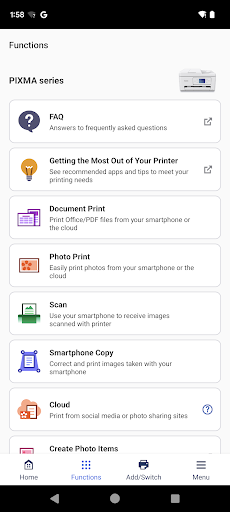
- •Wireless Printing: Send documents, photos, and web pages directly from an Android device to a Canon printer over Wi-Fi networks.
- •Mobile Scanning: Use the printer's scanner to digitize documents, then save, email, or upload them from the phone effortlessly.
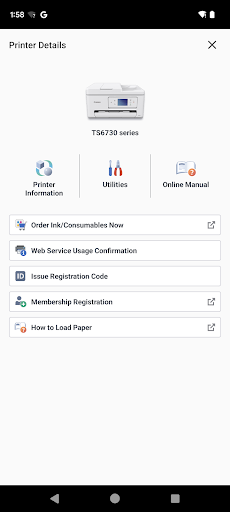
- •Guided Setup: Step-by-step installation process simplifies connecting printers, even for users with limited technical expertise.
- •Print Quality Options: Adjust settings like paper size and orientation to optimize output, supported by user reports of sharp results.
- •Document Preview: View files before printing to check layout and avoid errors, reducing paper waste in everyday tasks.
- •Double-Sided Printing: Enable duplex printing on supported models, such as the TR8620a, for efficient document handling.
Why Users Love It
Perfect for: Android users with Canon printers who need a dependable mobile solution for printing and scanning documents.
Screenshots



User Reviews
Easy to follow directions. Set up was fast and easy-to-use for someone like me who is not real tech smart. Printed images look great.
Amazing printer absolutely love the print quality and sturdiness of the machine itself, was also very simple to set up
Easy to follow directions. Set up was fast and easy-to-use for someone like me who is not real tech smart. Printed images look great.
Amazing printer absolutely love the print quality and sturdiness of the machine itself, was also very simple to set up
So far flawless scan docs to your cell then email it's 12/14/23 I a couple of years I might suck like all programs do Edit 2025 still loving the app with my Canon TR8620a with double sided printing
App Details
Developer
Canon Inc.
Platform
androidRating
Last Updated
12/4/2025





