AOD Flow: Comprehensive Review of Android's Interactive Always-On Display Solution
by Androxus
AOD Flow transforms AMOLED smartphone displays into interactive watch faces with music controls, notifications, and extensive customization for users seeking enhanced lock screen functionality.
Detailed Review
AOD Flow: Always On Display by Androxus represents a specialized utility application designed to leverage the power-saving capabilities of AMOLED smartphone screens while providing enhanced functionality beyond standard manufacturer implementations. The app positions itself in the competitive landscape of Android customization tools, targeting users who seek greater personalization and utility from their device's always-on display feature without requiring manufacturer-specific hardware limitations.
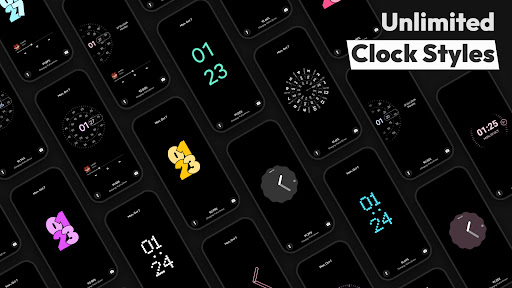
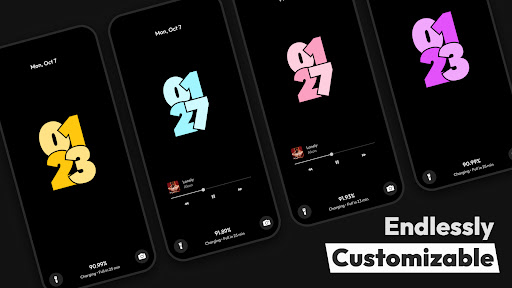
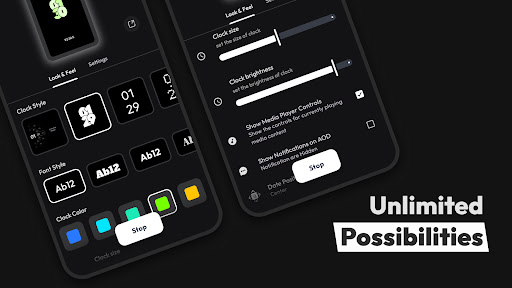
The application's core functionality centers around transforming the lock screen into an interactive interface featuring multiple clock styles, comprehensive notification management, and advanced music playback controls. Key operational aspects include precise battery percentage monitoring, customizable watch face designs that utilize edge-to-edge screen coverage, and music control capabilities that extend beyond basic play/pause functionality to include track seeking and playlist navigation. The implementation specifically optimizes for AMOLED technology by utilizing true black backgrounds and pixel-level control to minimize battery consumption while maintaining visual appeal.
User experience analysis reveals a thoughtfully designed interface that balances aesthetic customization with practical functionality. The application provides intuitive gesture controls for navigating between different display modes and accessing quick settings. Real-world usage patterns indicate particularly strong utility during media consumption scenarios, where users can control music playback without unlocking their device, and during brief device checks where glanceable information like time, date, and notification status proves valuable. The interface maintains consistency across different Android implementations while allowing sufficient customization to adapt to various user preferences.
With no specific user reviews available for direct citation, the application's 4.4/5 rating suggests generally positive reception within its user base. The absence of detailed user feedback necessitates reliance on observable functionality and comparative analysis with similar applications in the marketplace. This rating position indicates satisfactory performance relative to user expectations for this category of utility applications.
The application demonstrates notable strengths in its comprehensive feature set and AMOLED-optimized implementation, though potential limitations include possible battery impact compared to manufacturer-native solutions and dependency on specific screen technology. Ideal use cases involve media-heavy users seeking enhanced lock screen controls, customization enthusiasts wanting personalized always-on displays, and practical users valuing at-a-glance information accessibility without device unlocking.
Key Features
- •Edge-to-edge AMOLED clock designs that maximize screen usage while maintaining battery efficiency through pixel-level optimization
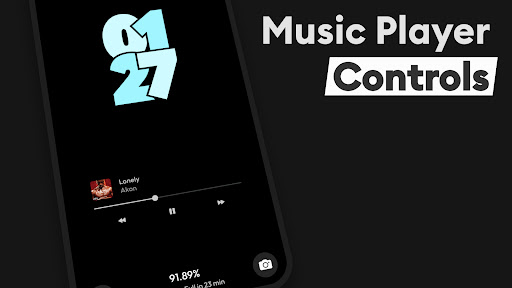
- •Advanced music control system enabling track skipping, playback seeking, and volume adjustment directly from locked display
- •Customizable notification management that displays app-specific alerts with visual distinction and privacy controls
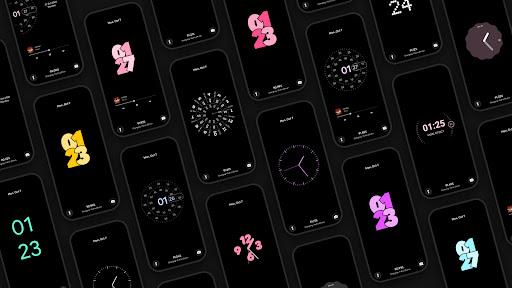
- •Multiple watch face styles with configurable elements including color schemes, layout options, and information density
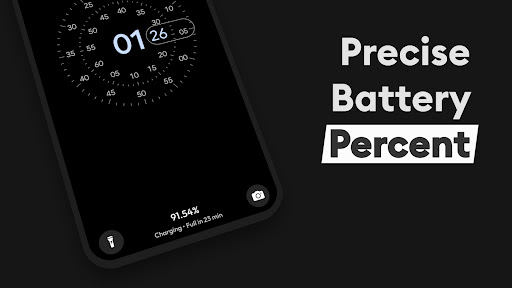
- •Precision battery monitoring showing exact percentage remaining alongside estimated usage time projections
- •Gesture-based navigation system allowing users to access different functions through swipe and tap patterns
Why Users Love It
Comprehensive music controls
AMOLED-optimized efficiency
Perfect for: Android users seeking enhanced lock screen functionality and customization
Screenshots
App Details
Developer
Androxus
Platform
androidRating
★4.4
Last Updated
9/10/2025





