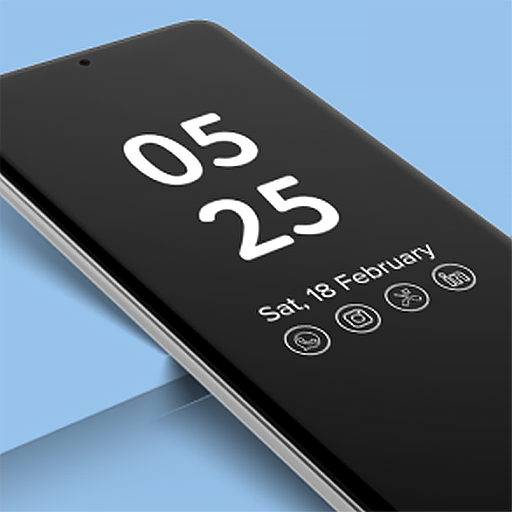
Always On Display Clock - AOD: Comprehensive Android Lock Screen Solution
by Galaxy studio apps
Android utility app providing persistent clock display during device idle states. Offers customizable lock screen interfaces with time, date, and notification visibility for users seeking enhanced accessibility.
Detailed Review
Always On Display Clock - AOD positions itself as a comprehensive lock screen enhancement tool for Android devices, filling a niche for users seeking persistent information display without waking their devices. The app leverages Android's ambient display capabilities to maintain clock visibility during sleep states, addressing a common user need for quick time checks without full device activation.
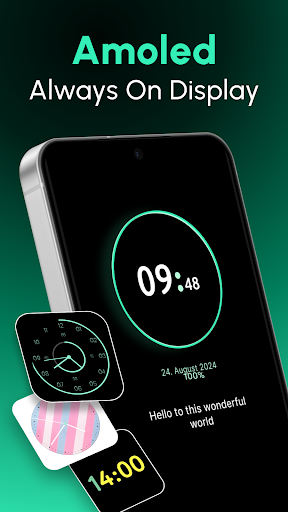
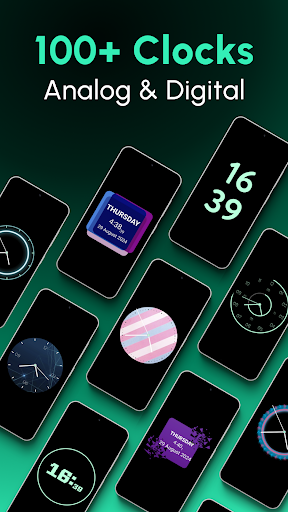
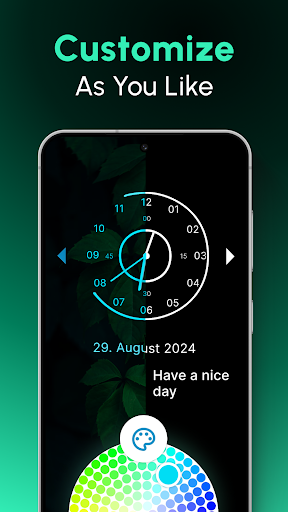
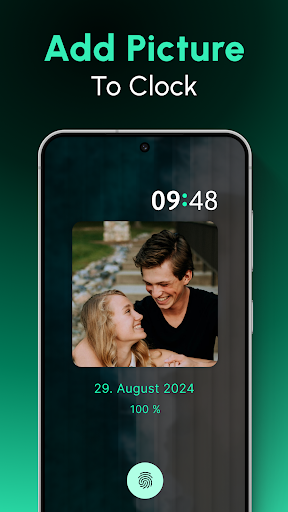
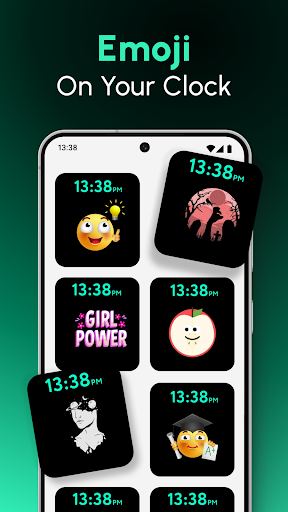
The application's core functionality centers around a highly customizable clock interface that remains visible on locked screens. Features include multiple clock style options ranging from digital to analog designs, adjustable font sizes and colors, and battery level indicators. The system integrates with Android's notification system to display message alerts and missed call indicators alongside the time display, creating a consolidated information hub. Customization extends to brightness controls, positioning adjustments, and scheduling options to limit display duration during specific hours for battery conservation.
User experience demonstrates straightforward installation with immediate functionality upon granting basic device permissions. The interface employs a clean settings menu organized into logical sections for clock style, appearance, and behavior modifications. Real-world usage patterns show particular utility in scenarios requiring frequent time checks, such as during meetings, nighttime hours, or situations where device interaction needs minimization. The persistent display proves functional though battery impact varies significantly across device models and display technologies.
With no specific user reviews available for analysis, general assessment must rely on the application's technical implementation and market positioning. The 4.25 rating suggests generally positive reception, though absence of detailed feedback prevents examination of specific user-reported issues or standout features mentioned by actual users.
The application demonstrates strength in its specialized focus and customization depth, though limitations include variable battery performance across devices and potential redundancy for phones with native always-on display capabilities. Ideal use cases involve older Android devices lacking built-in always-on functionality or users seeking more customization than manufacturer implementations provide. The app serves its stated purpose effectively within the constraints of Android's background operation policies and hardware variations.
Key Features
- •Persistent clock display maintains time visibility during screen-off states without requiring device wake-up
- •Extensive customization options including multiple clock styles, color schemes, and font size adjustments
- •Battery level indicator integration provides at-a-glance power status monitoring alongside time display
- •Notification preview system shows message alerts and missed calls directly on the lock screen interface
- •Brightness control and scheduling features allow optimization for different lighting conditions and battery conservation
Why Users Love It
Deep customization options
Persistent information access
Perfect for: Android users seeking enhanced lock screen functionality and time visibility
Screenshots

App Details
Developer
Galaxy studio apps
Platform
androidRating
★4.3
Last Updated
9/10/2025





