
SA Mobile's All Video Downloader: A Practical HD Video Solution
by SA Mobile App Store
This app provides straightforward video downloading capabilities for Android users who frequently save content from various platforms. Designed to help users build local media libraries, it supports multiple formats and resolution options. The interface remains accessible despite some occasional performance quirks.
Detailed Review
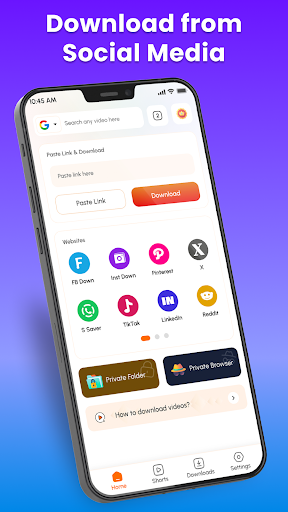
SA Mobile's All Video Downloader: HD Saver occupies a crowded space in the video utility category, positioning itself as a versatile tool for capturing online video content. The application enables downloads from numerous platforms including social media sites, video portals, and other web sources where supported. Its core functionality centers on extracting video files for offline viewing, addressing a common need among mobile users with limited data plans or unreliable internet connections.
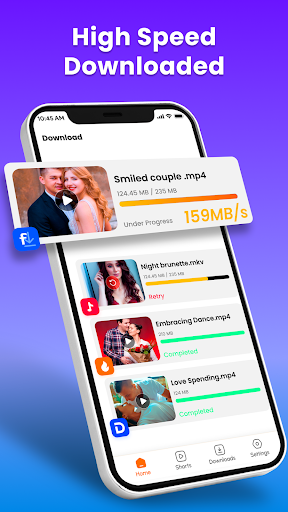
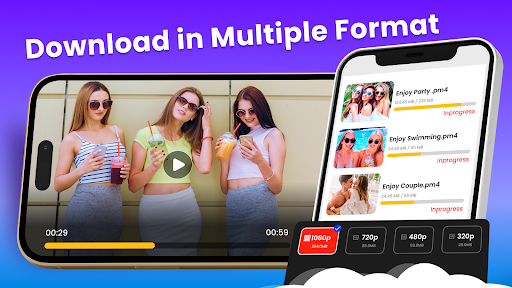
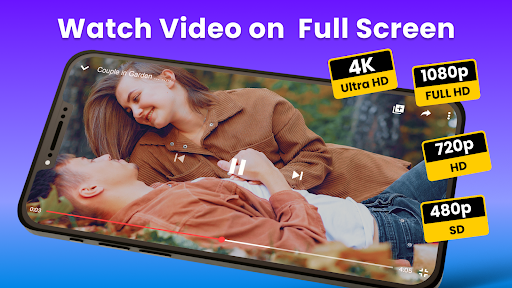
The application's feature set includes batch downloading capabilities, format conversion options, and quality selection up to HD resolutions. Users can organize downloaded content within the app's library interface, which provides basic playback functionality and file management tools. The built-in browser facilitates direct navigation to video sources, while the download manager offers pause/resume functionality for larger files. Some advanced features like background downloading and notification alerts enhance the practical utility for regular use.
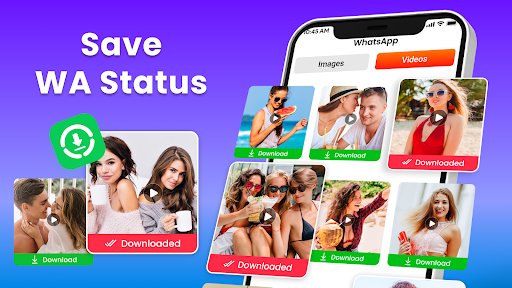
In real-world usage scenarios, the app proves most valuable for commuters saving entertainment for offline viewing, students archiving educational content, or social media users preserving memorable videos. The download process typically involves copying video links into the app or using the integrated browser to navigate directly to content. While most downloads complete successfully, occasional compatibility issues arise with certain websites or rapidly changing platform policies. The interface maintains reasonable responsiveness during operations, though some lag may occur when processing multiple simultaneous downloads.
User feedback indicates general satisfaction with the core downloading functionality, particularly appreciating the range of supported sources and consistent HD quality output. Reviews frequently mention the straightforward workflow and reliable performance for common video platforms. Some users report occasional frustrations with website compatibility updates lagging behind platform changes, requiring periodic app updates to maintain full functionality. The ad-supported model draws mixed responses, with some users finding the frequency acceptable given the free access, while others would prefer a paid option to remove advertisements entirely.
Overall assessment finds this application delivers competent video downloading capabilities with sufficient features to meet most users' basic needs. The balance between functionality and accessibility makes it a practical choice for casual to moderate use, though power users might desire more advanced organizational tools or broader website compatibility. The occasional performance inconsistencies and advertising presence represent reasonable trade-offs for the core functionality provided at no direct cost to users.
Key Features
- •Multi-platform video downloading supports social media sites, video portals, and various web sources with consistent HD quality output
- •Batch download functionality allows queueing multiple videos simultaneously with pause and resume options for larger files
- •Built-in media player enables immediate playback of downloaded content without switching to another application
- •Format conversion tools provide options to save videos in different file types compatible with various devices and players
- •Integrated browser simplifies the download process by allowing direct navigation to video sources within the app
- •File management system organizes downloaded content with sorting options and basic library navigation features
Why Users Love It
Wide platform compatibility
Reliable HD quality preservation
Perfect for: Mobile users who regularly save online videos for offline viewing and organization
Screenshots

App Details
Developer
SA Mobile App Store
Platform
androidRating
★4.3
Last Updated
11/4/2025
Other Video Players & Editors Apps

CapCut - Video Editor
Bytedance Pte. Ltd.
ANDROID 3.4
#1
AI Video Maker With Music
Aquaworld Infotech
ANDROID 4.0
#2
Plixo - HD Video Player
ilma anabia
ANDROID 3.3
#3
Photo Editor Video Maker Music
beauty app inc
ANDROID0
#4
Video&Drama Player All Format
Griffin Atlas USA
ANDROID 3.4
#4
Edits, an Instagram app
ANDROID 4.5
#5